COLDCARD & BlackBox
A guide for Bitcoin home miners on setting up their BlackBox and handling their mining rewards in a privacy-preserving manner before going to cold storage. Mining Bitcoin goes hand in hand with self-custody, the miner provides a Bitcoin address in order to receive the rewards and the mining pool pays out to the provided address. This guide aims to demonstrate setting up a new BlackBox install and a few tools that can be used to handle the mining rewards in a way that helps maintain the anonymity gained from mining and sees that through to cold storage.
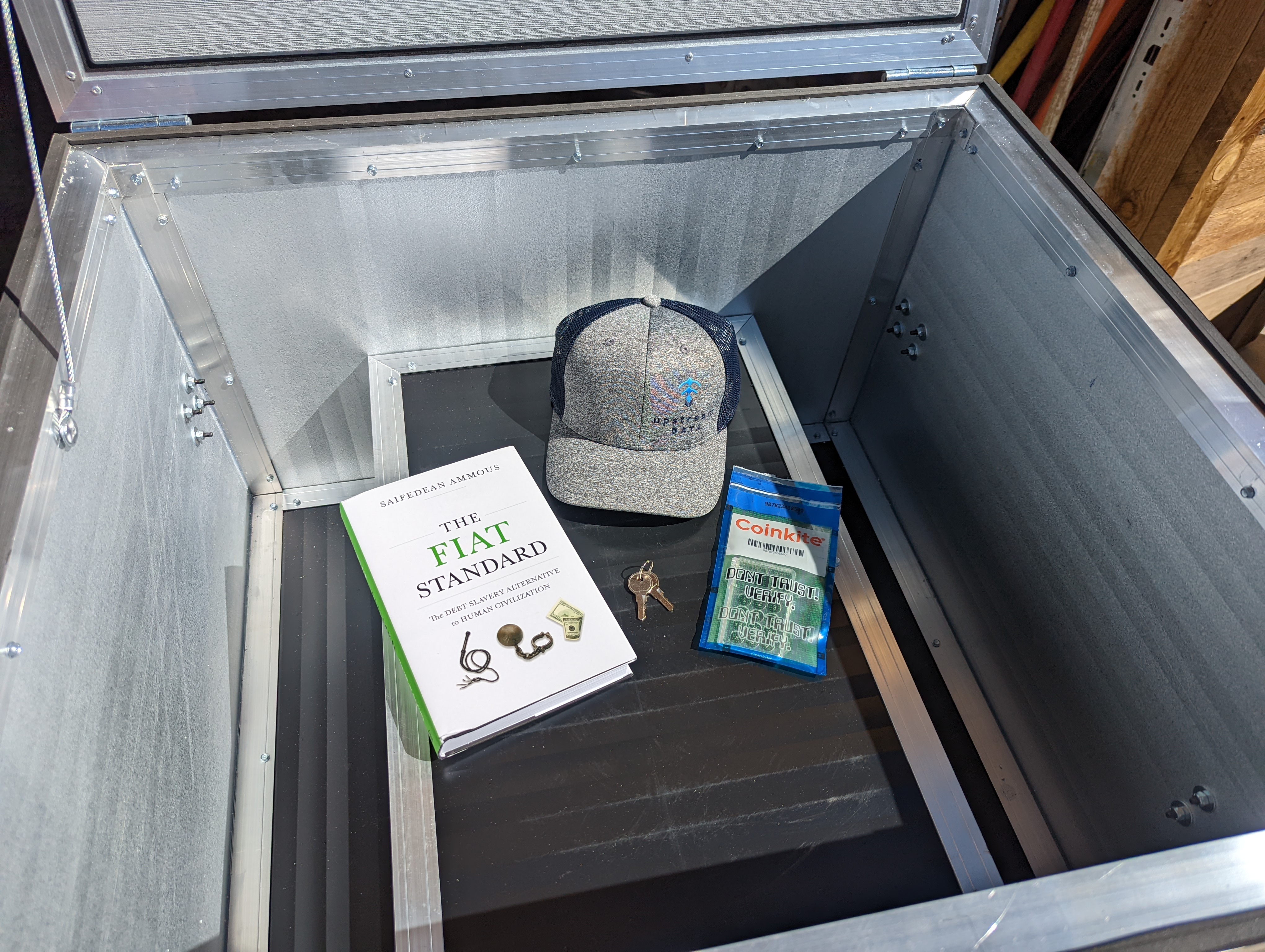
This guide covers:
COLDCARD
- Checking the tamper-evident bag
- Setting up a PIN
- Generating a seed phrase with some dice rolls
- Backup recommendations
BlackBox
- Prepare your BlackBox and suggestions for sound treatment
- Miner pressure barrier
- Connecting power and Ethernet
Slush Pool
- Creating a mining account
- Connecting to the pool
- Configuring a payout address
Sparrow Wallet
- Getting started
- Creating a hot wallet
- How to use Whirlpool
- Import COLDCARD Watch-Only wallet
- Configure Whirlpool to deposit directly to COLDCARD
- Air-gapped signing with the COLDCARD